How QR Codes Actually Work
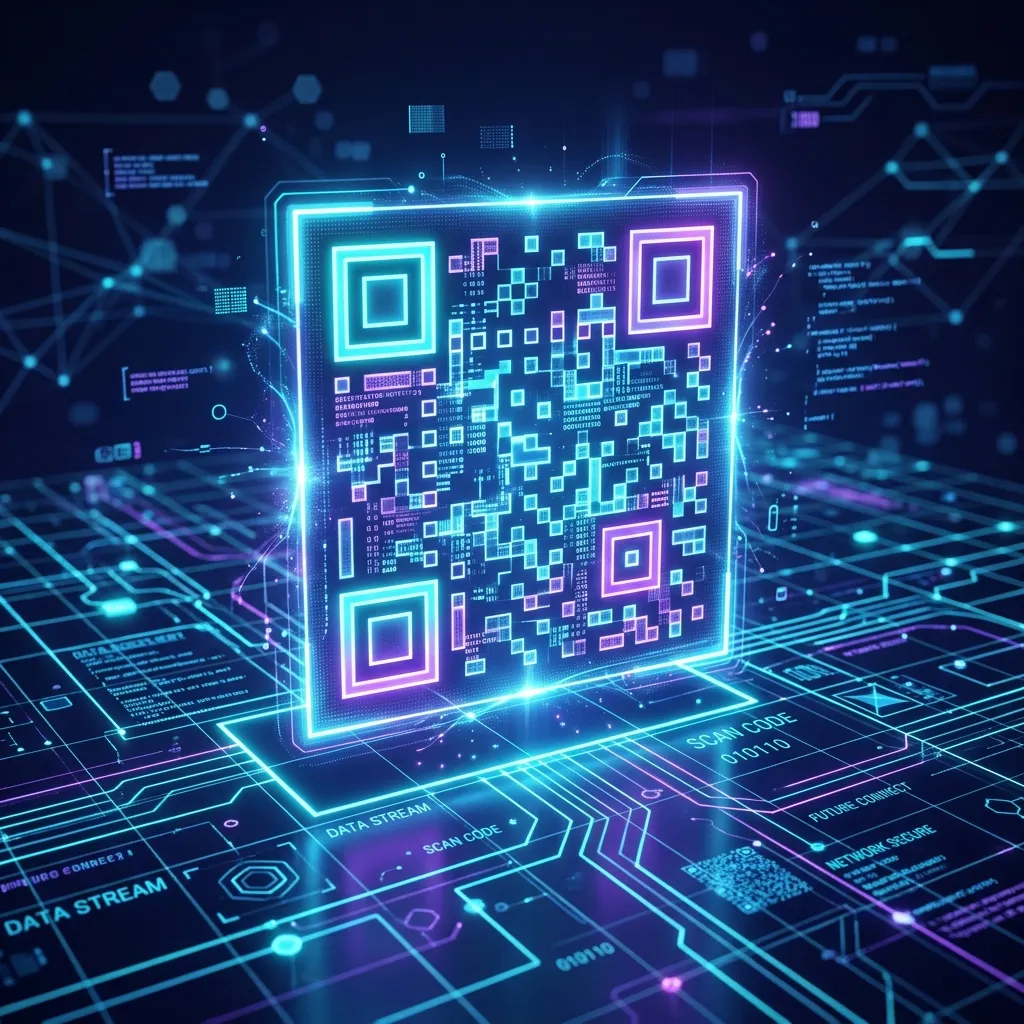
Beyond the Barcode
Invented in 1994 to track vehicles during manufacturing, Quick Response (QR) codes have become ubiquitous. From restaurant menus to boarding passes, these square grids of black and white pixels are the bridge between the physical world and the digital internet.
Unlike standard UPC barcodes, which only hold data in one dimension (horizontally) and top out at around 20 alphanumeric characters, a QR code is a two-dimensional matrix. It can store up to 7,089 numeric characters or 4,296 alphanumeric characters, allowing it to easily encode full URLs, contact cards, or WiFi network credentials.
Anatomy of a QR Code
If you look closely at a QR code, it isn't just random noise. It consists of highly engineered structural components:
- Finder Patterns: The three large squares in the corners. These tell the camera exactly where the code is located, how large it is, and its orientation (which is why you can scan it upside down).
- Alignment Patterns: Smaller squares that help the scanner read the code even if it's printed on a curved surface (like a coffee cup).
- Error Correction: The true genius of QR codes. Using the Reed-Solomon error correction algorithm, a QR code can sustain up to 30% damage (like getting torn, smudged, or covered by a logo) and still scan perfectly.
Generate Your Own
Because the algorithm is open-source, anyone can create them for free. Whether you need to direct customers to your new promotional landing page or simply want an easy way to share your WiFi password with guests, you can create high-resolution matrix barcodes instantly using our free QR Code Generator.
The Anatomy of a QR Code
While a QR (Quick Response) code might look like a random scattering of pixels, it is actually a highly structured matrix barcode. Originally designed in 1994 for the automotive industry in Japan to track vehicles during manufacturing, its architecture allows it to hold significantly more data than standard UPC barcodes. A standard QR code consists of several key components: the Finder Patterns (the three large squares in the corners that tell the scanner the orientation), the Alignment Patterns (smaller squares that help correct distortion), and the Timing Patterns (lines that determine the size of the data matrix). Understanding these components is critical for developers who want to dynamically generate QR codes for enterprise applications.
Static vs. Dynamic QR Codes
One of the most common misunderstandings in digital marketing is the difference between static and dynamic QR codes. A static QR code hardcodes the destination data (like a URL, plain text, or WiFi credentials) directly into the pixel pattern. Because the data is embedded, the pattern itself grows larger and more complex as the data payload increases. Static codes are permanent—if you print a static QR code pointing to a broken link, you cannot fix it. Dynamic QR codes, on the other hand, embed a short URL (a redirect link) instead of the final destination. When a user scans a dynamic code, they hit a tracking server that logs the scan (time, location, device) and then immediately redirects them to the final URL. This allows businesses to update the final destination at any time without changing the printed code, making them essential for print marketing campaigns and packaging.
Error Correction Levels (L, M, Q, H)
The true genius of the QR code lies in its Reed-Solomon error correction algorithm. This mathematical principle ensures that a QR code remains scannable even if part of it is damaged, obscured, or printed poorly. There are four standardized levels of error correction:
- Level L (Low): Restores ~7% of data. Best for simple URLs and clean digital displays where the code won't be damaged. It produces the smallest, simplest pixel pattern.
- Level M (Medium): Restores ~15% of data. The default for most general-purpose marketing materials.
- Level Q (Quartile): Restores ~25% of data. Recommended for environments where slight damage is expected, or if a small logo is embedded in the center.
- Level H (High): Restores ~30% of data. Essential for industrial environments, outdoor billboards, or codes with large, complex logos embedded right in the middle of the matrix.
Security and Privacy Implications
From a security standpoint, QR codes themselves are neither inherently safe nor malicious—they are simply delivery mechanisms for data. However, "Quishing" (QR Phishing) has become a prominent vector for cyberattacks. Attackers place malicious QR codes over legitimate ones (e.g., on parking meters or restaurant tables). When scanned, these codes redirect users to credential-harvesting phishing sites or trigger malicious payload downloads. As a user, always verify the URL preview provided by your scanner app before tapping "open." As a developer, if you are generating QR codes that handle sensitive data or authentication tokens, ensure the endpoints enforce strict HTTPS, utilize short-lived expiring tokens, and implement robust CORS policies to mitigate unauthorized cross-origin requests.